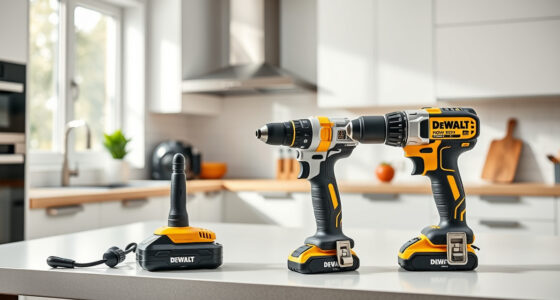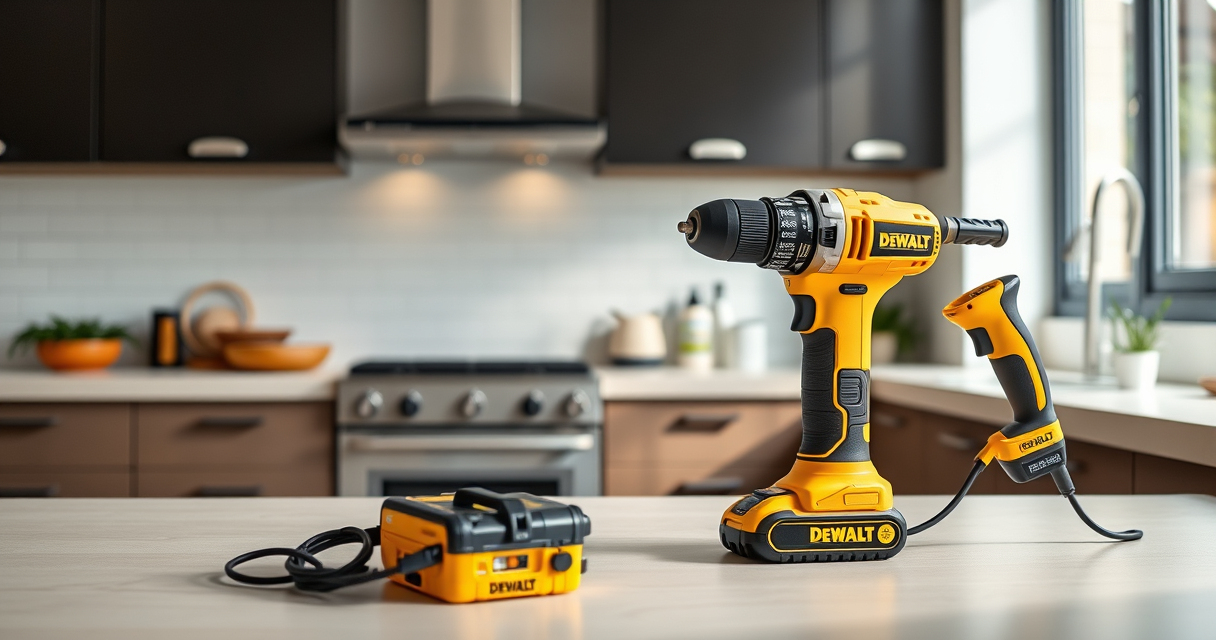

If your DEWALT power tools are overheating frequently, it can lead to reduced performance and potential damage. Overheating is often caused by prolonged use, inadequate ventilation, or internal issues. Addressing this promptly ensures your tool remains safe and functional, extending its lifespan.

Get garden gear delivered free with Prime
- Fast, free delivery on millions of items
- Prime Video, Amazon Music and more included
- Member-only deals all year
In this guide, we’ll walk you through practical troubleshooting steps to identify the cause of overheating and how to fix it safely. Whether you’re a professional or a DIY enthusiast, these tips will help you keep your DEWALT tools in top shape.
Key Takeaways
| Proper ventilation | Ensure your tool is used in well-ventilated areas to prevent heat buildup. |
| Avoid prolonged use | Give your tool regular breaks during intensive tasks to cool down. |
| Battery management | Use high-quality batteries and avoid overcharging to prevent overheating. |
| Check internal components | Inspect brushes, vents, and motor parts for debris or damage. |
| Maintain your tool | Regular cleaning and maintenance reduce the risk of overheating. |
Identify the Cause of Overheating
- Observe when the overheating occurs—during heavy use, continuous operation, or after specific tasks.
- Check for visible signs such as excessive heat on the body, burnt smell, or reduced power output.
- Inspect the vents for dust, debris, or blockages that can trap heat and impair cooling.
Ensure Proper Ventilation and Usage Habits
- Always operate your DEWALT tool in a well-ventilated area to facilitate heat dissipation.
- Avoid blocking the vents or covering the tool during use.
- Limit continuous operation—use the tool in short bursts, especially during demanding tasks.
- Allow the tool to rest for at least 10 minutes after 10-15 minutes of use to cool down.
Check the Battery and Electrical Components
- Use the recommended batteries, such as the DEWALT 20V MAX 5 Ah Lithium-Ion Battery, which are designed for optimal performance and heat management.
- Inspect batteries for swelling, corrosion, or damage. Replace if any issues are found.
- Avoid overcharging batteries—unplug once fully charged and store in a cool, dry place.
- Ensure the charger and battery contacts are clean and free of debris.
Clean and Maintain Your Tool Regularly
- Remove dust, debris, and sawdust from vents, motor housing, and internal components using compressed air or a soft brush.
- Check for and replace worn brushes or damaged internal parts as needed.
- Lubricate moving parts according to manufacturer instructions to prevent overheating from friction.
Perform Internal Inspection and Repairs
- Disconnect the tool from power and remove the battery before internal inspection.
- Open the casing carefully using the appropriate screwdrivers or tools.
- Look for signs of burnt components, loose wires, or worn brushes.
- If unsure, consult a professional or authorized service center for repair or replacement of faulty parts.
Prevent Future Overheating
- Use the correct drill bits and accessories to avoid excessive strain on the motor.
- Do not overload the tool—use the appropriate speed and torque settings for the task.
- Store your tools in a cool, dry place to prevent moisture buildup and heat damage.
- Regularly update your knowledge with manufacturer guidelines and maintenance tips.
The Products in This Guide

DEWALT 20V MAX Cordless Drill and Impact Driver
- ✔ Voltage: 20V
- ✔ Battery Type: Lithium-Ion
- ✔ Weight: Lightweight

DEWALT Drill Bit Set
- ✔ Package Count: 14
- ✔ Suitable Materials: Plastic, wood, metal
- ✔ Coating: Black & gold
DEWALT 20V MAX Cordless Drill and Impact Driver
<p>The DEWALT 20V MAX Cordless Drill and Impact Driver (DCK277D2) is a versatile and powerful combo kit that performs well across various tasks. Its brushless motors and ergonomic design make it a favorite among professionals and DIYers. When properly maintained, it can handle prolonged use without overheating issues.</p><p>However, like all power tools, overheating can occur if used improperly or if internal components become dirty or worn. Following the troubleshooting steps outlined here will help you keep this tool running smoothly and avoid overheating problems.</p>
Pros:
- Brushless motor for increased efficiency
- Compact and lightweight design
- Includes 2 batteries and charger
- Bright LED for visibility
Cons:
- Can overheat with continuous heavy use if not properly managed
- Requires regular cleaning and maintenance
- Battery life may diminish over time
Best for: Versatile drilling and impact driving tasks in tight spaces
Not ideal for: Extended continuous operation without breaks or proper ventilation
Bottom line: A reliable, versatile tool that benefits from proper use and maintenance to prevent overheating.
DEWALT Drill Bit Set
<p>The DEWALT Drill Bit Set (DWA1184) features 14 heavy-duty bits with a 135-degree split point, perfect for plastic, wood, and metal. Its robust high-speed steel construction and black & gold coating ensure durability and rust resistance. Using quality drill bits reduces strain on your tools, helping prevent overheating caused by unnecessary resistance or improper bits.</p>
Pros:
- Durable high-speed steel bits
- Split point design reduces walking
- Includes multiple sizes
- Corrosion-resistant coating
Cons:
- Limited to drill bits only
- May be overkill for very light tasks
- Requires proper bit-chuck fit
Best for: General purpose drilling in various materials
Not ideal for: Heavy-duty industrial applications requiring larger bits
Bottom line: A versatile and durable drill bit set that complements your DEWALT cordless tools.
Frequently Asked Questions
Why does my DEWALT tool overheat during use?
Overheating can result from prolonged use without breaks, poor ventilation, excessive load, or internal component wear. Regular maintenance and proper usage help prevent this.
How can I prevent my DEWALT tool from overheating?
Use in well-ventilated areas, take regular breaks, avoid overloading, keep vents clean, and use high-quality batteries suited for your tool.
Is it safe to continue using a tool that feels hot?
No, if the tool is excessively hot, stop using it immediately, disconnect power, and allow it to cool to prevent damage or safety hazards.
How often should I clean my DEWALT power tool?
Clean your tool after each use, especially vents and motor areas, to prevent dust buildup which can cause overheating.
When should I replace internal parts like brushes?
Replace brushes if they show signs of wear or if you notice reduced performance or overheating despite cleaning and maintenance.
Keep Your DEWALT Running Cool and Strong
Proper maintenance, usage habits, and troubleshooting are key to preventing overheating in your DEWALT power tools. Regularly inspecting, cleaning, and respecting the tool’s limits will ensure safe, efficient operation for years to come. Always follow manufacturer guidelines and address issues promptly to maximize your investment and safety.
Affiliate disclosure: As an Amazon Associate we earn from qualifying purchases. Prices and availability are accurate as of the time of publishing.